Breaking Up With Google
Leaving Google Behind Is as Easy as ABC
Originally published in Cubed
It’s Not Me, It’s You
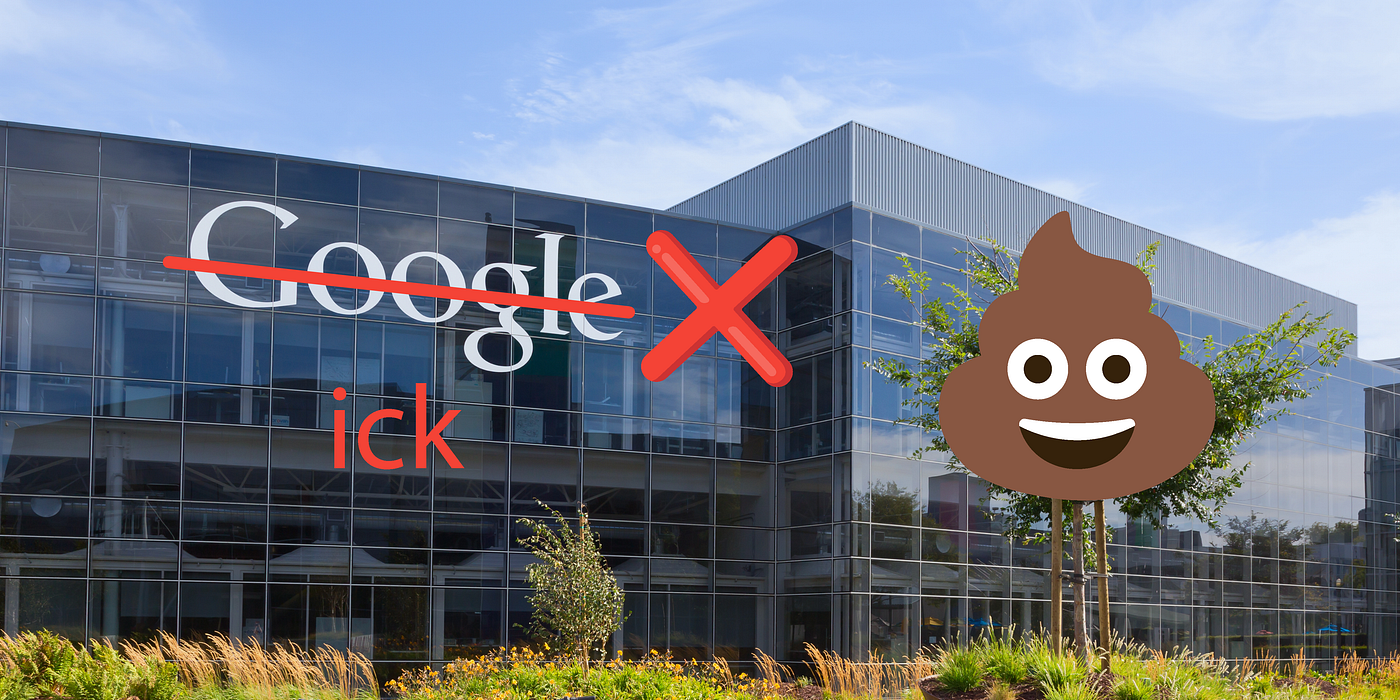
From their relentless surveillance of people online to the botched rollout of the AI model Gemini, Google has become one giant ick.
Google tracks your online activity, removes user reviews from their app store, and generates perverse representations of history and morality using their AI model Gemini. There are numerous examples of Google being icky, and people are fed up with all the nonsense.
For anyone looking for additional reasons why partnering with Google is sub-optimal, the Subreddit /r/degoogle has a great list of reasons why a Google relationship should be ended.
The following article is geared toward those who have the ick and want to break up with Google. In this article, we’ll list common Google services and provide guidance on how to move to reasonable alternatives.
Creep Stack
If you’ve used Google for a long time, the thought of moving may feel daunting and unachievable. Google provides a long list of tools, each of which is fully integrated into its creepy data collection pipeline. Some of these tools include:
- Android
- Gmail
- Google Calendar
- Google Chrome
- Google Docs
- Google Drive
- Google Maps
- Google Meet
- Google Search
- YouTube
- Gemini
From a technology standpoint, these tools work well, and most people aren’t aware that substitutes are available. Fortunately, great alternatives exist, and migrating is easy.
Gmail
The most important step in breaking up with Google is getting rid of Gmail. Even if you don’t actively send emails, your email address is used to log into almost every app and website you interact with. Unwinding Gmail’s touchpoints doesn’t have to be done all at once, and the best way to start is to create a new email address with a different provider.
Finding a new email service is easy, and many great Gmail alternatives exist. Proton Mail is an excellent alternative to Gmail and provides a service called Easy Switch that makes migrating a breeze. Additionally, Easy Switch sets up automatic email forwarding so Gmail will send a copy of all incoming emails to your new Proton account. Additionally, Proton offers calendar and storage, allowing you to cross Google Calendar and Google Drive off your list.
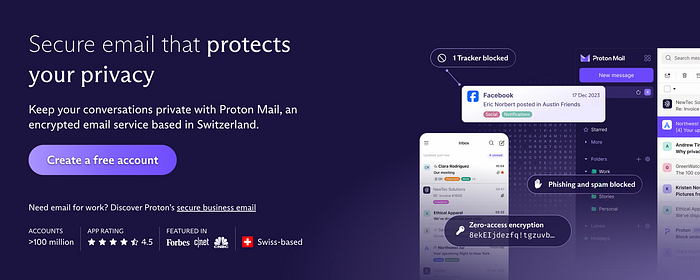
Automatic email forwarding allows you to abandon Gmail incrementally. By setting up automatic forwarding, you don’t have to go through the hassle of changing your email account in every app immediately. The best way to migrate away from Gmail is to update a few apps to your new email weekly or monthly. If the service you choose doesn’t automatically configure forwarding from Gmail, no sweat; it’s easy to configure automatic email forwarding yourself.
Chrome
In your quest to break up with Google, the next step in your journey is to abandon Chrome. Under the hood, many major web browsers are built based on the same engine, Chromium. Chromium is the engine that powers browsers like Google Chrome, Microsoft Edge, and the Brave Browser. Other major browsers, like Firefox and Safari, have separate engines but adhere to the same web standards, ensuring they perform just as well at displaying web pages.
Google Chrome is the easiest service to ditch, and breaking up with Chrome can also help you break up with Google Search. Even if you choose a new web browser that defaults to Google Search, changing the preferred search engine is a walk in the park.
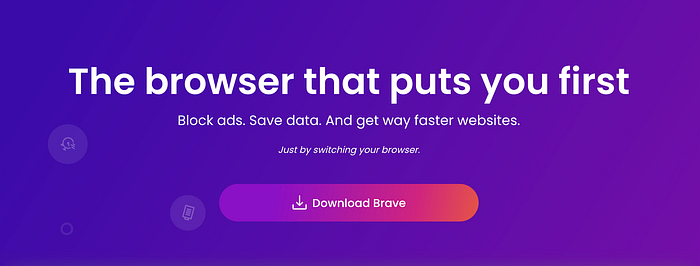
A great all-in-one solution for breaking up with Google Chrome is the Brave Browser. Brave is also based on Chromium, has a built-in ad blocker, shares most of the same developer tools as Chrome, and defaults to Brave Search and an AI assistant Leo. Another all-in-one solution is Microsoft Edge, which ships with Bing as the default search. Finally, Firefox and Safari are great alternatives, but you’ll want to change the search engine to something like DuckDuckGo.
Large-Language models (LLMs) are another powerful emergent method of finding information on the web. Instead of searching for websites, users can get answers from LLM chatbots such as OpenAI’s ChatGPT, Anthropic’s Claude, Meta’s Llama2, or X’s Grok. LLM chatbots allow users to query a compressed snapshot of the internet and are often a better alternative to traditional search engines.
All browsers and search engines listed in this section are available on desktop and mobile.
Android
One of the more difficult steps in breaking up with Google is getting rid of Android. People tend to have strong preferences regarding phones, and there are fewer options for switching. Fortunately, non-Google Android versions are available if you want to stick with Android, and there are tools available that can de-Google your existing phone. If you’re interested in doing something a little more radical, you can switch from Android to iPhone.
If you are ready to switch to an iPhone, switching to an iPhone is a great way to break up with multiple Google services. Switching to iOS allows you to swap Google Maps with Apple Maps, Google Calendar with iCloud Calendar, and Google Drive with iCloud Drive. You might even be able to swap Google Meet with Facetime, but if that’s not quite powerful enough, alternatives like Zoom, Slack, and Discord offer great video calling and screen-sharing features.

If you’re not ready to switch to an iPhone, there are still plenty of ways to push Google out of your life. Head over to /r/deGoogle to learn how to use Android without Google. One way of removing Google’s presence from your phone is to use App Manager. More technical users can install a de-Googled version of the Android operating system using a different ROM.
YouTube
Breaking up with YouTube is difficult because, let’s face it, YouTube is ubiquitous and awesome. YouTube is dominant, and no suitable alternatives really exist yet. There are other video services such as Vimeo, and Rumble, but their communities aren’t the same size as YouTube. Although the time might not be right to break up with YouTube, keep an eye on competitors like Instagram, TikTok, and X.
If you want to sneak around and still use YouTube, you can create a burner email account that you only use for YouTube. Also, viewing YouTube in a private browser may help prevent Google from associating your YouTube data with your data from elsewhere.
Everything Else
Finishing the breakup with Google means abandoning Google Docs and Gemini. Fortunately, Gemini is easy to eliminate; everyone and their dog is racing to build the biggest and best AI. The leader of the pack is unquestionably OpenAI and ChatGPT. Google Docs is also cake to eliminate; use Notion, Microsoft Office Online, ClickUp, or one of the other numerous offerings. You can also use free desktop alternatives like Libre Office.
Moving On
Congrats on ending your toxic relationship with Google! Saying goodbye is a huge step toward taking back your privacy and preventing a giant company from monetizing your online activity. Money talks, and by taking your business elsewhere, you’re telling Google what they’ve become is not okay and encouraging them to improve. Hopefully, moving on has helped you to feel more optimistic and enthusiastic about the future of technology.
Thanks for reading! If you enjoyed this article, please follow me on X.